Where agents work
Skribly Agent
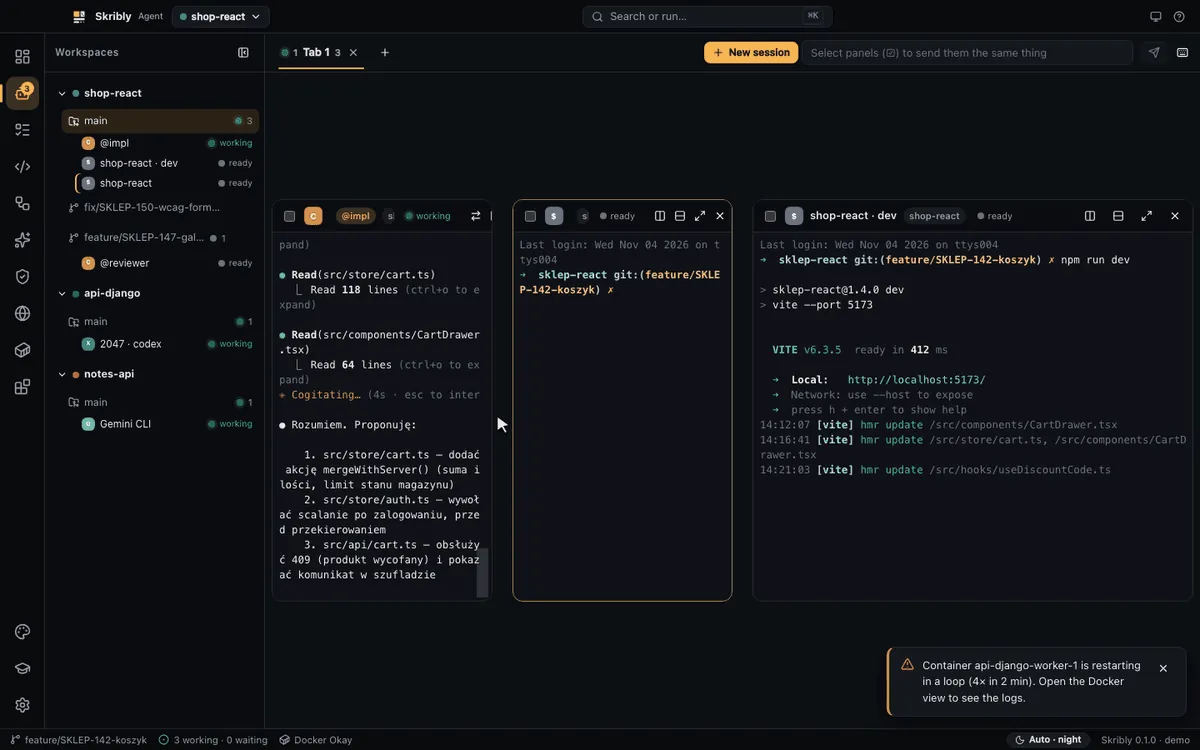
A desktop app for running several AI coding agents at once and keeping an eye on all of them.
Overview
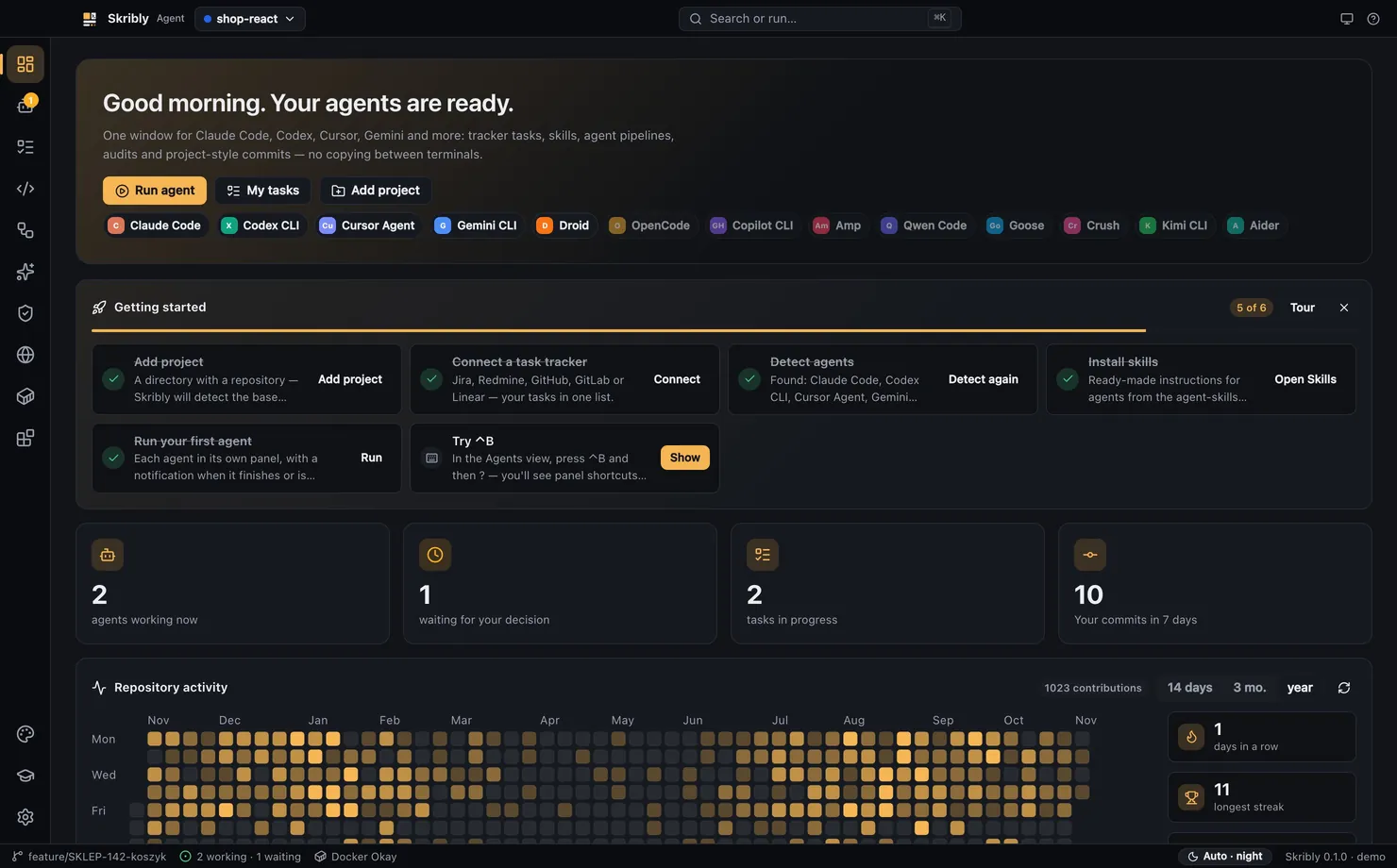
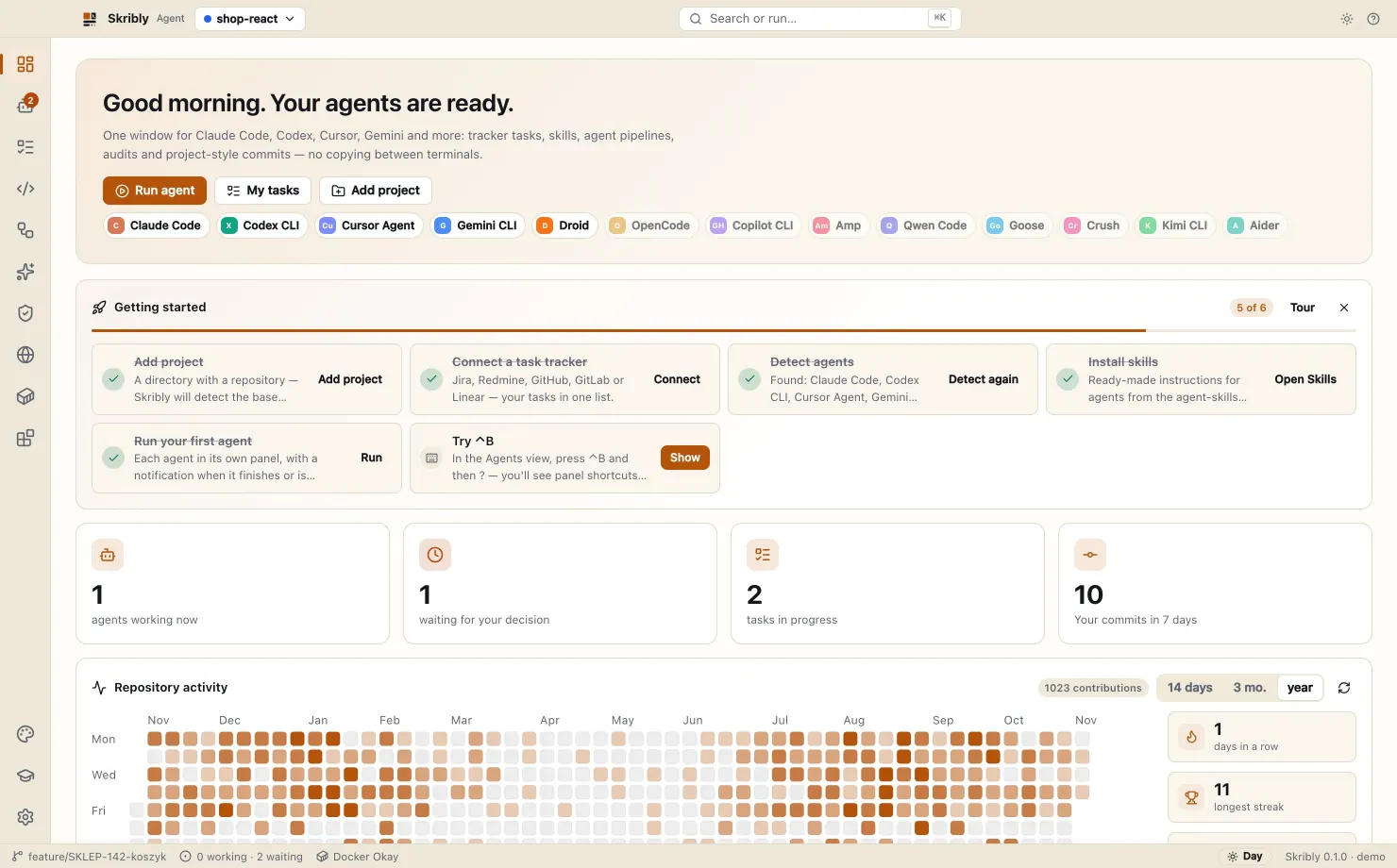
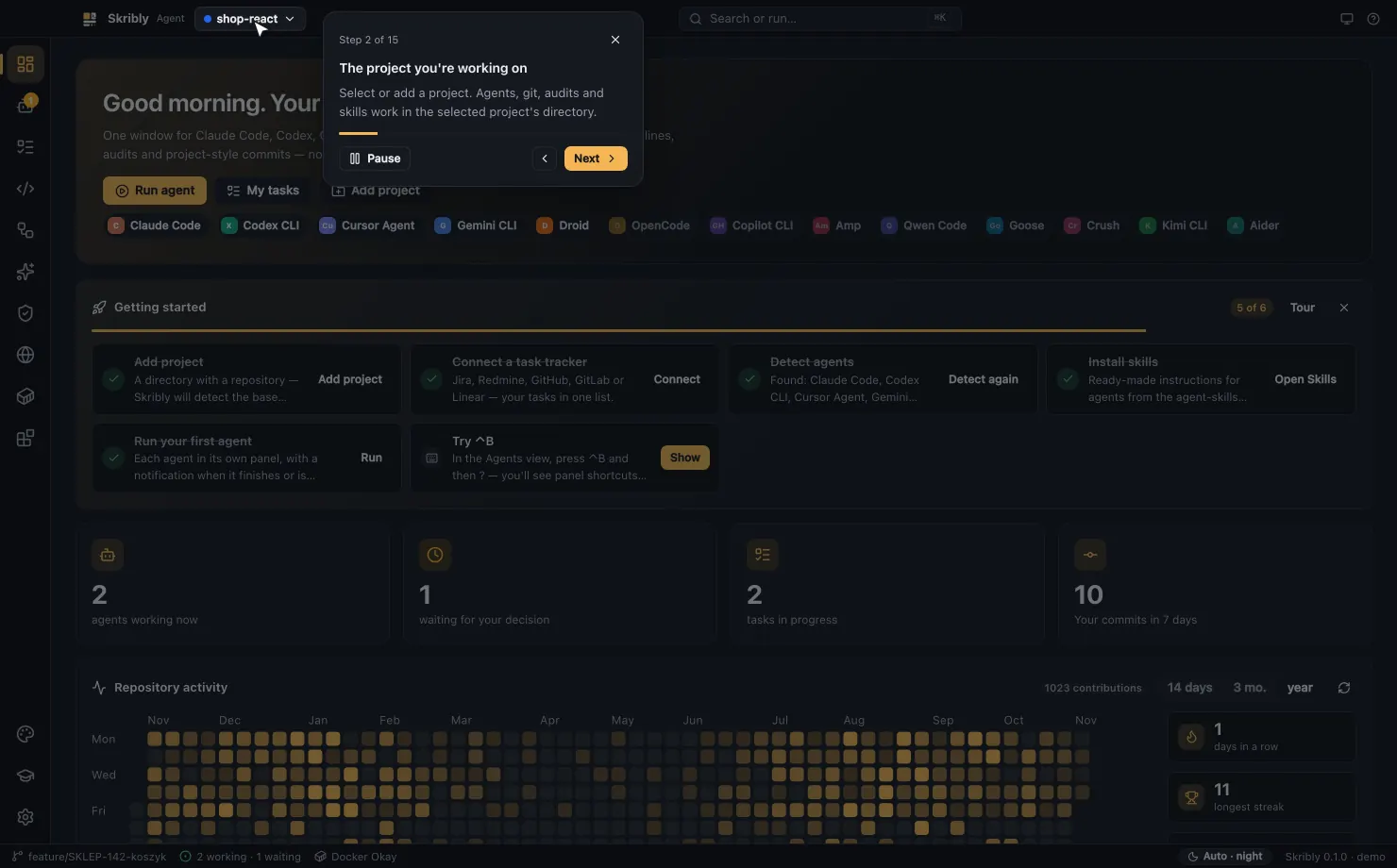
Skribly Agent is a desktop environment for AI coding agents. It keeps your projects, tasks and agents in one window, so you do not jump between terminals.
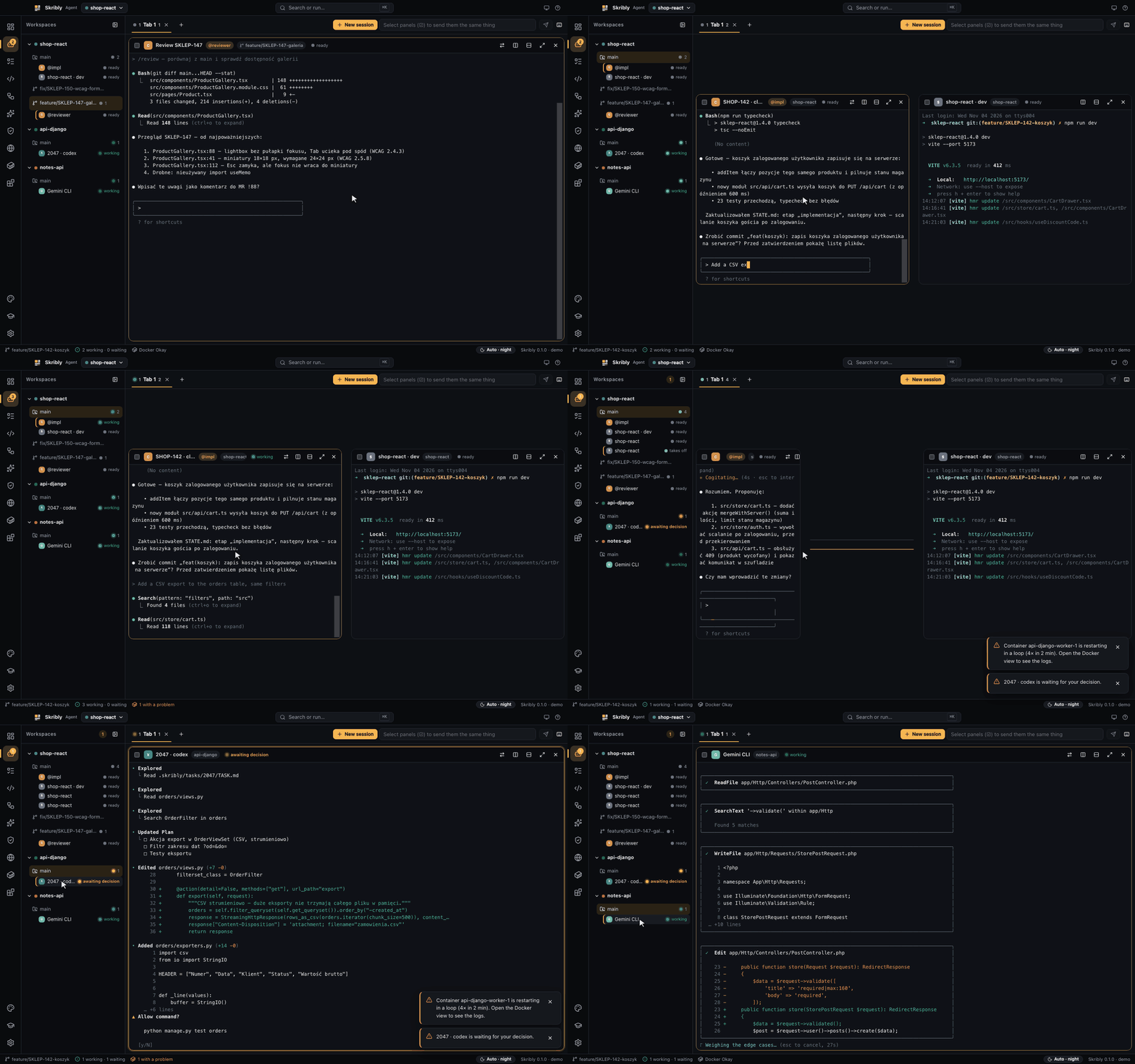
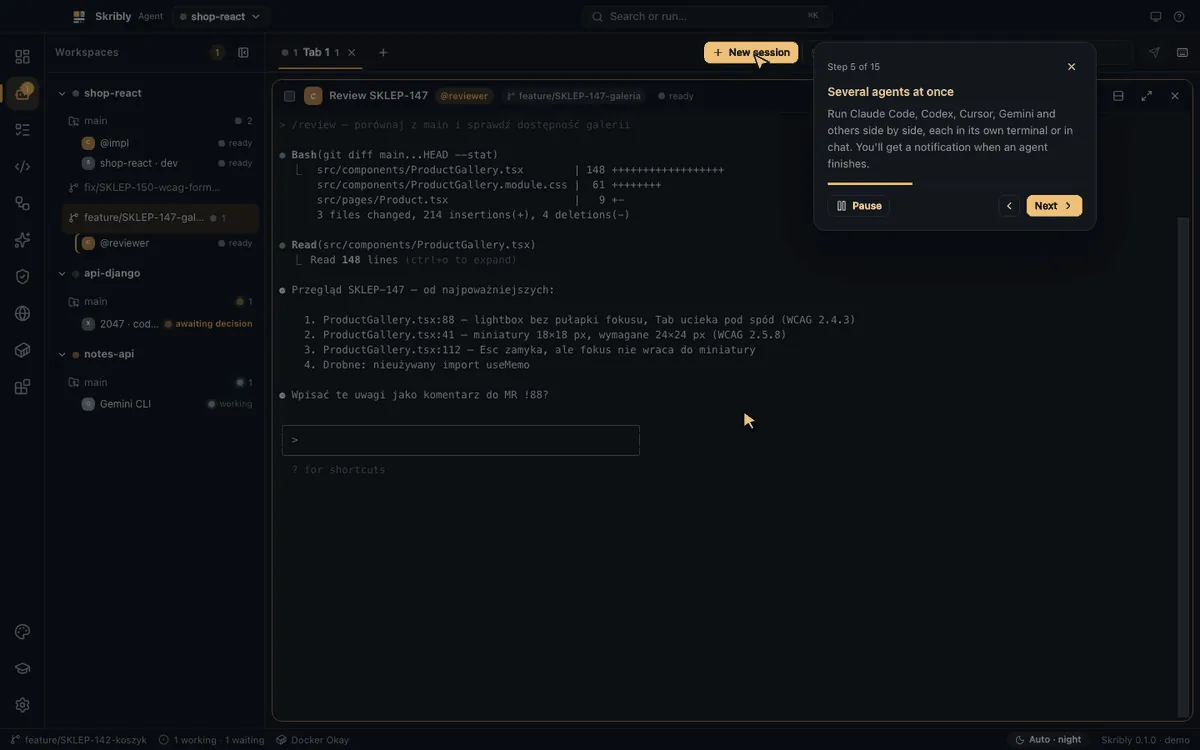
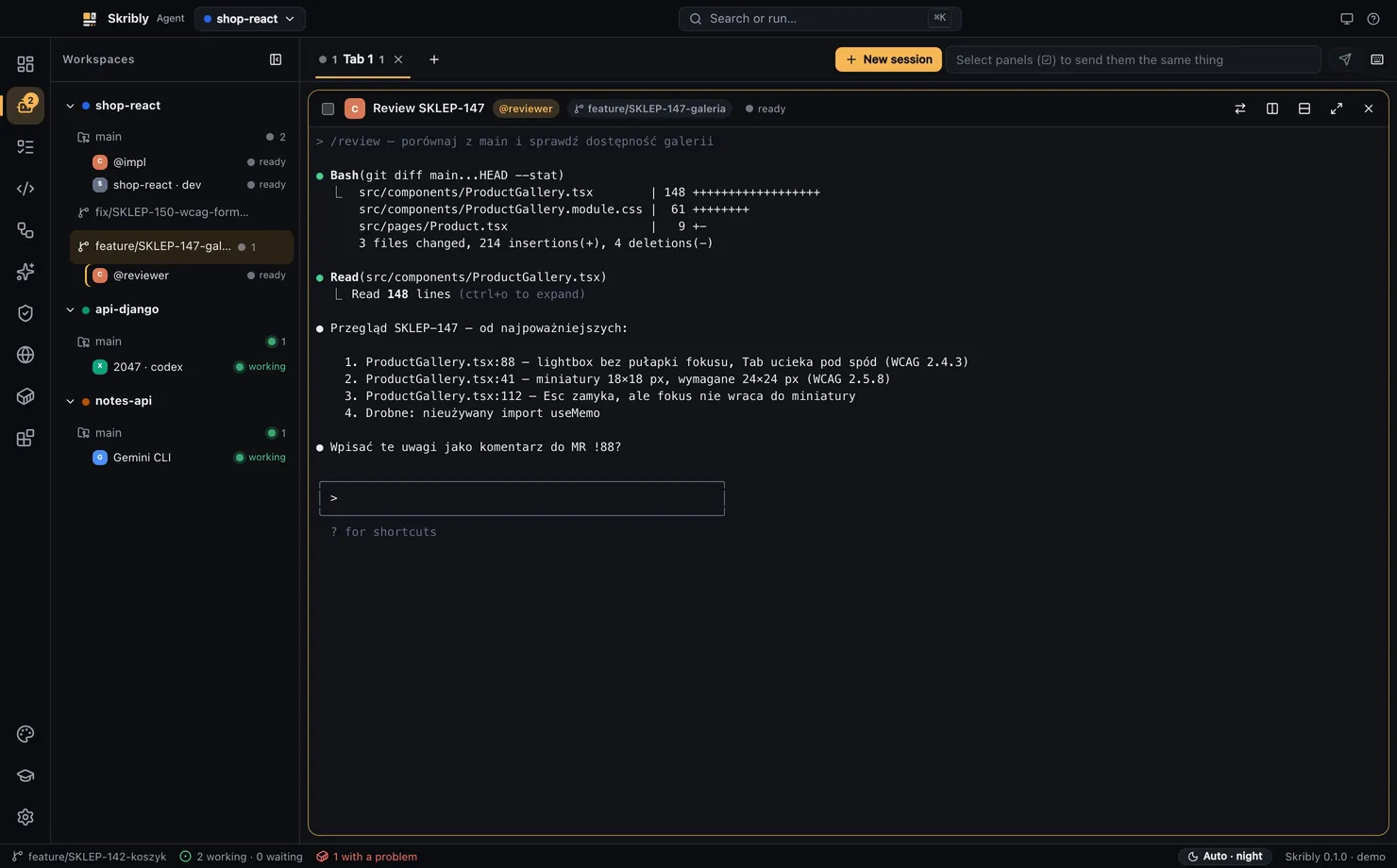
The app reads each agent's screen and shows whether it is working, waiting for your decision or finished. When something needs you, it tells you, even if you are looking elsewhere.
- Agents side by side
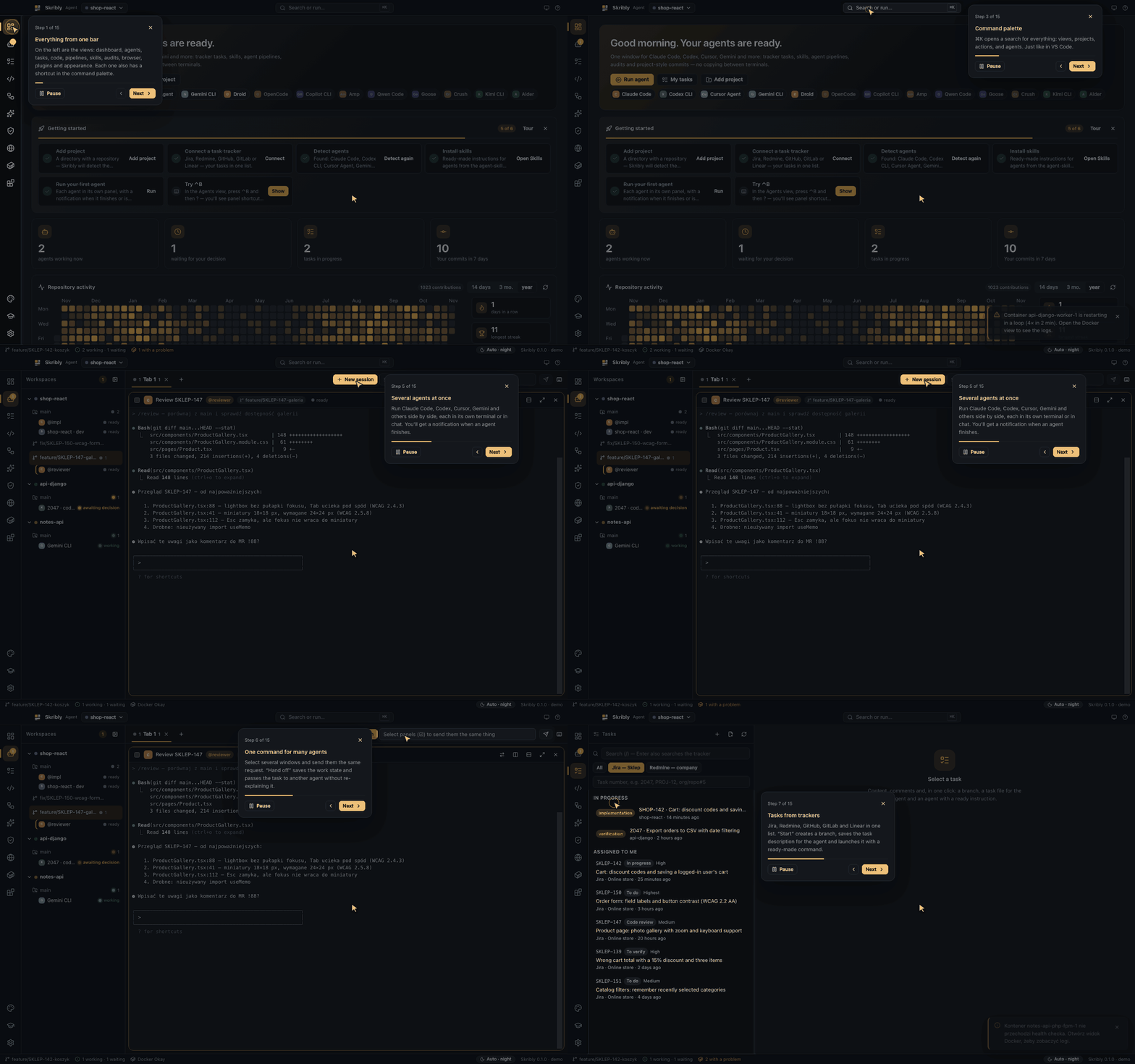
- Claude Code, Codex, Cursor Agent, Gemini CLI and others in workspaces, tabs and split panes.
- Tasks from trackers
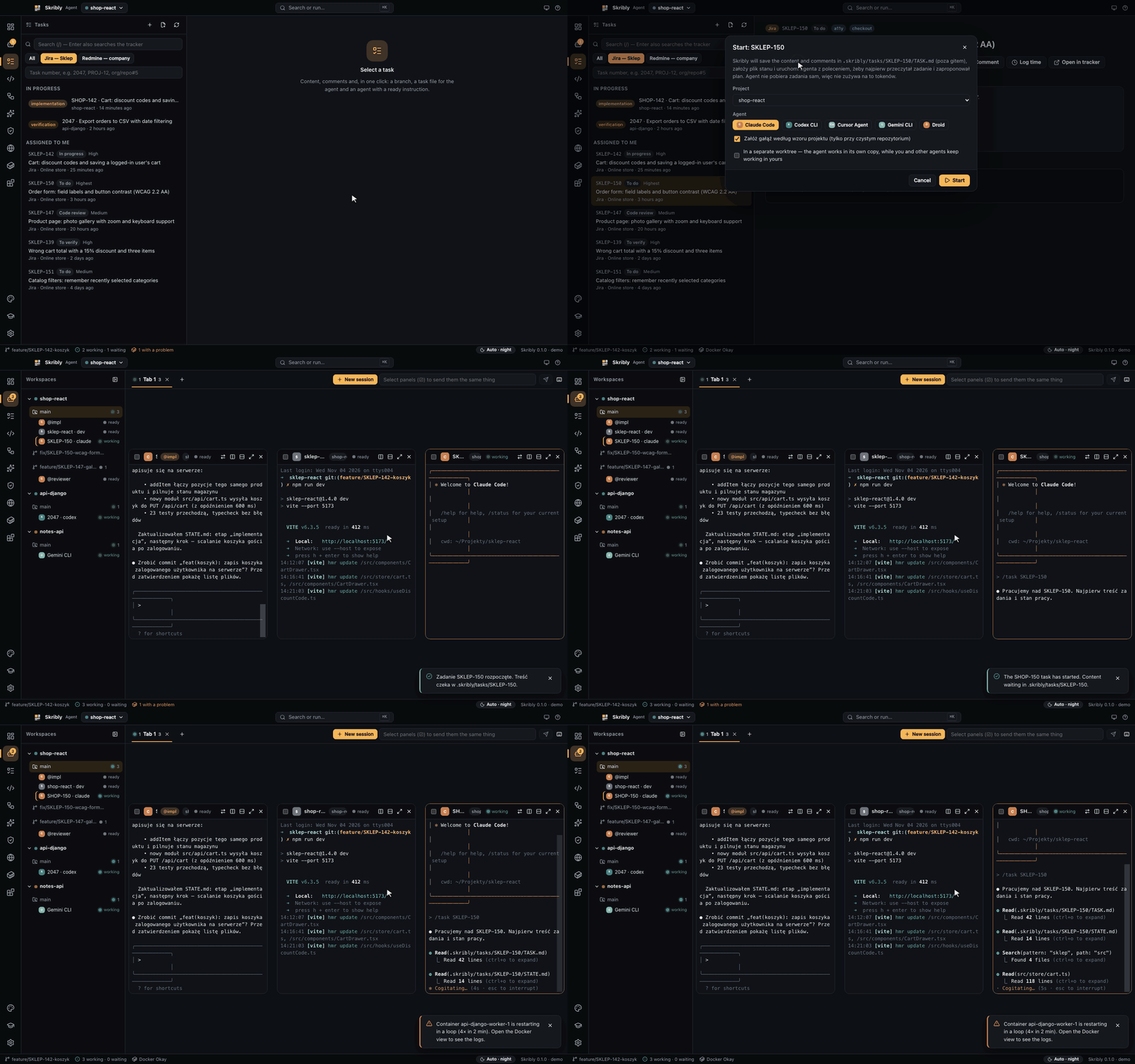
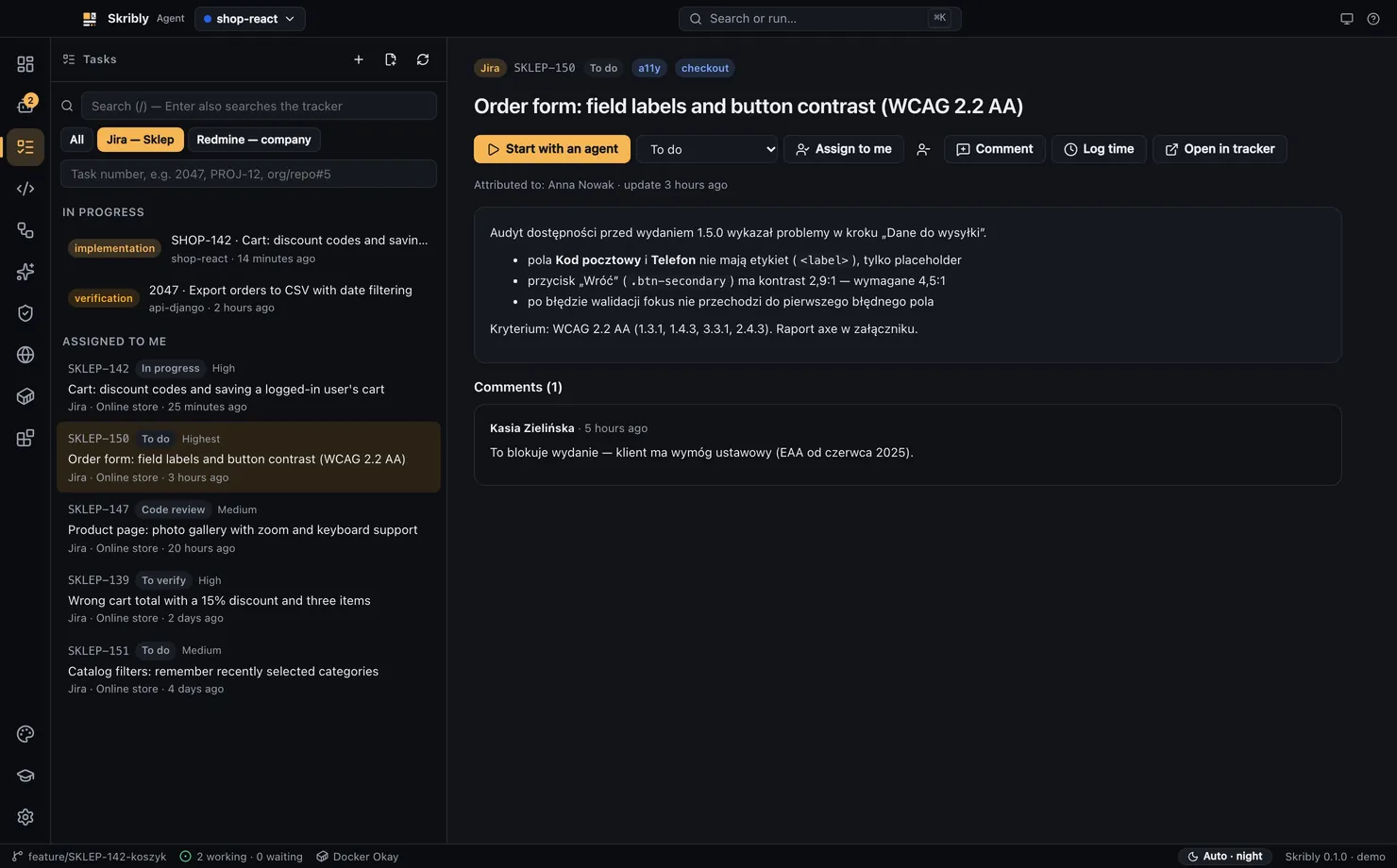
- Jira, Redmine, GitHub, GitLab and Linear in one list. Start a task and the agent gets a branch, a file and a prompt.
- Git worktrees
- Each agent can work in its own copy of the files, so agents do not get in each other's way.
- Pipelines
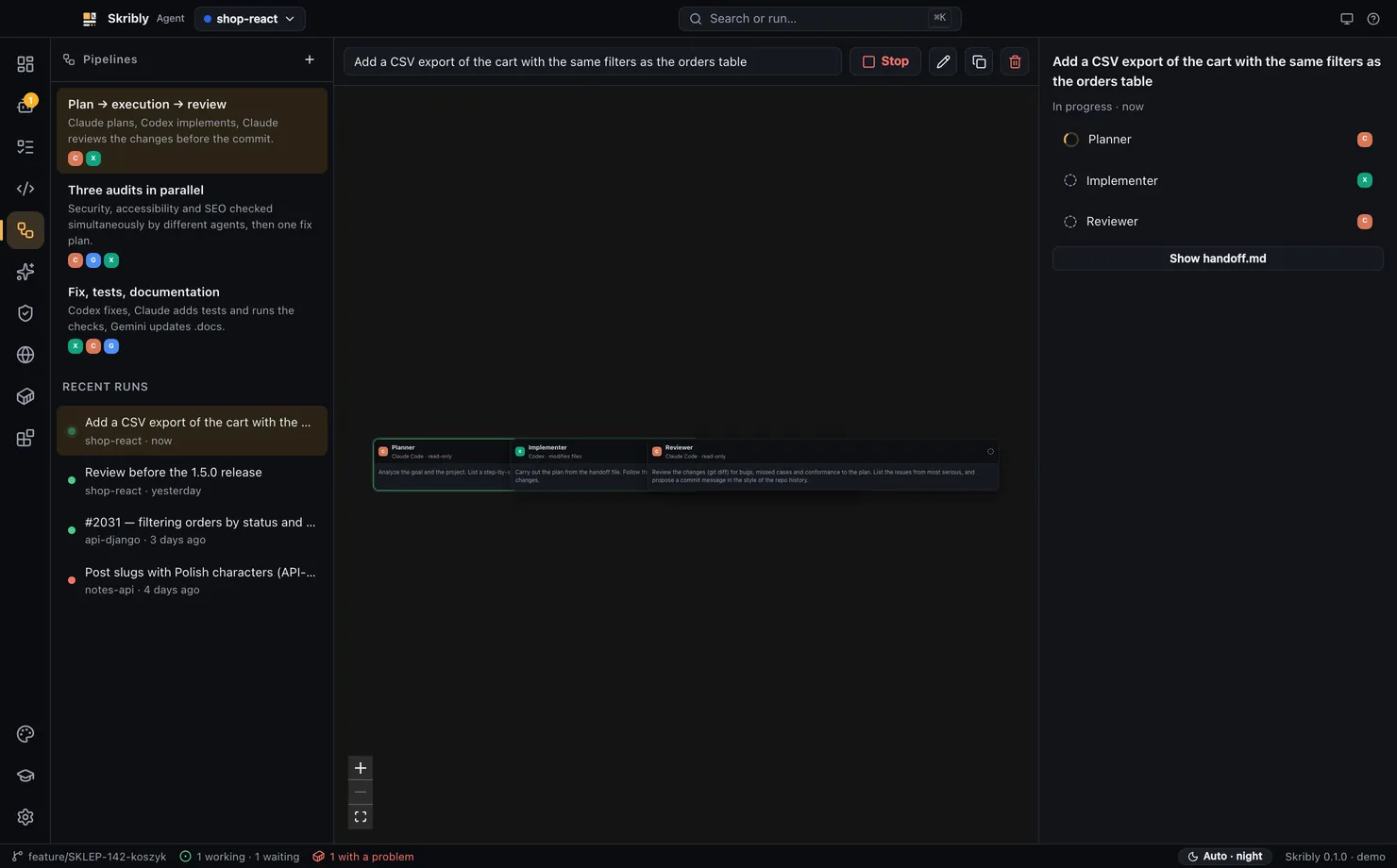
- Plan, build and review steps that hand work from one agent to the next.
- Audits
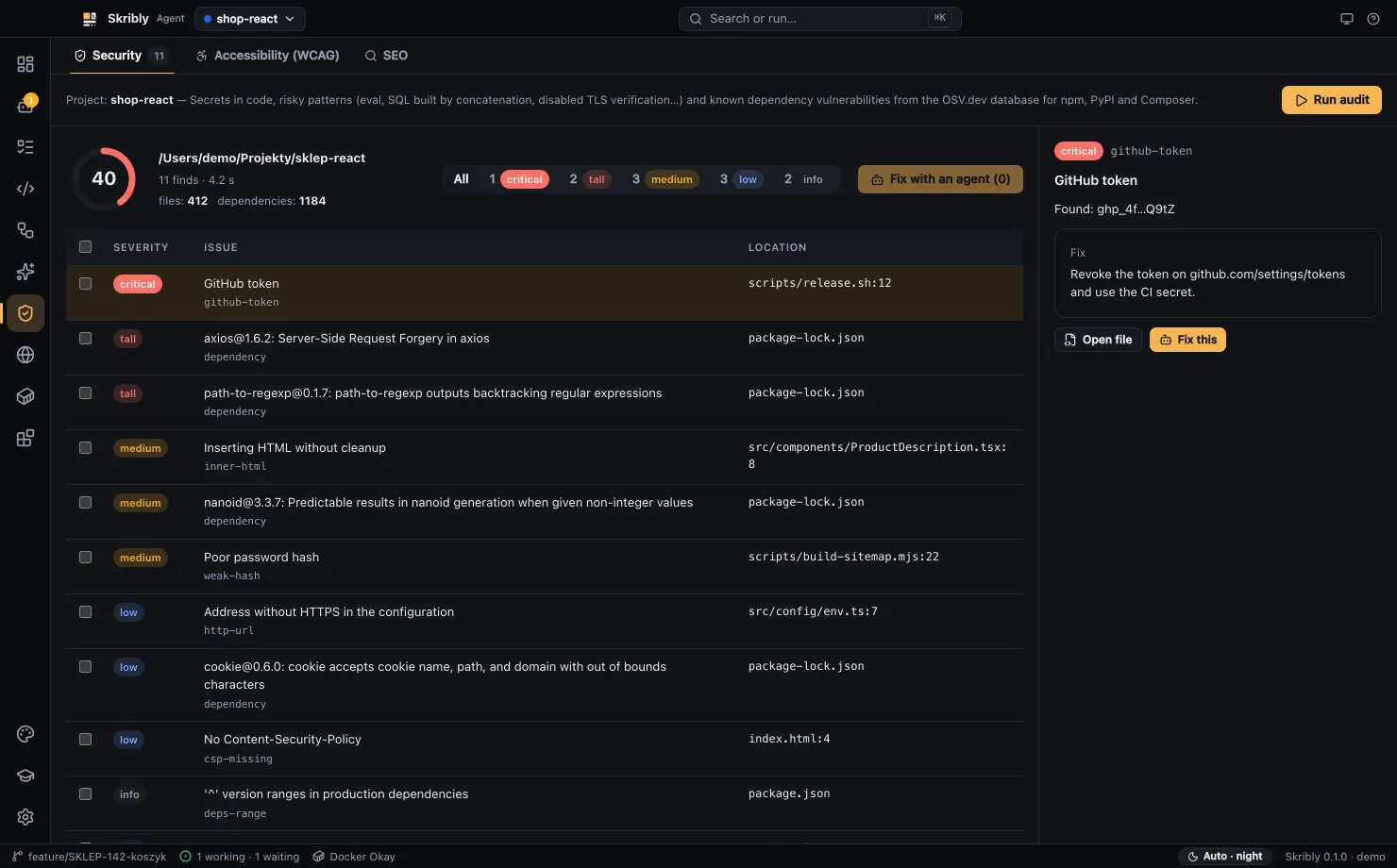
- Security, accessibility and SEO checks, with results you can pass to an agent.
- A real editor
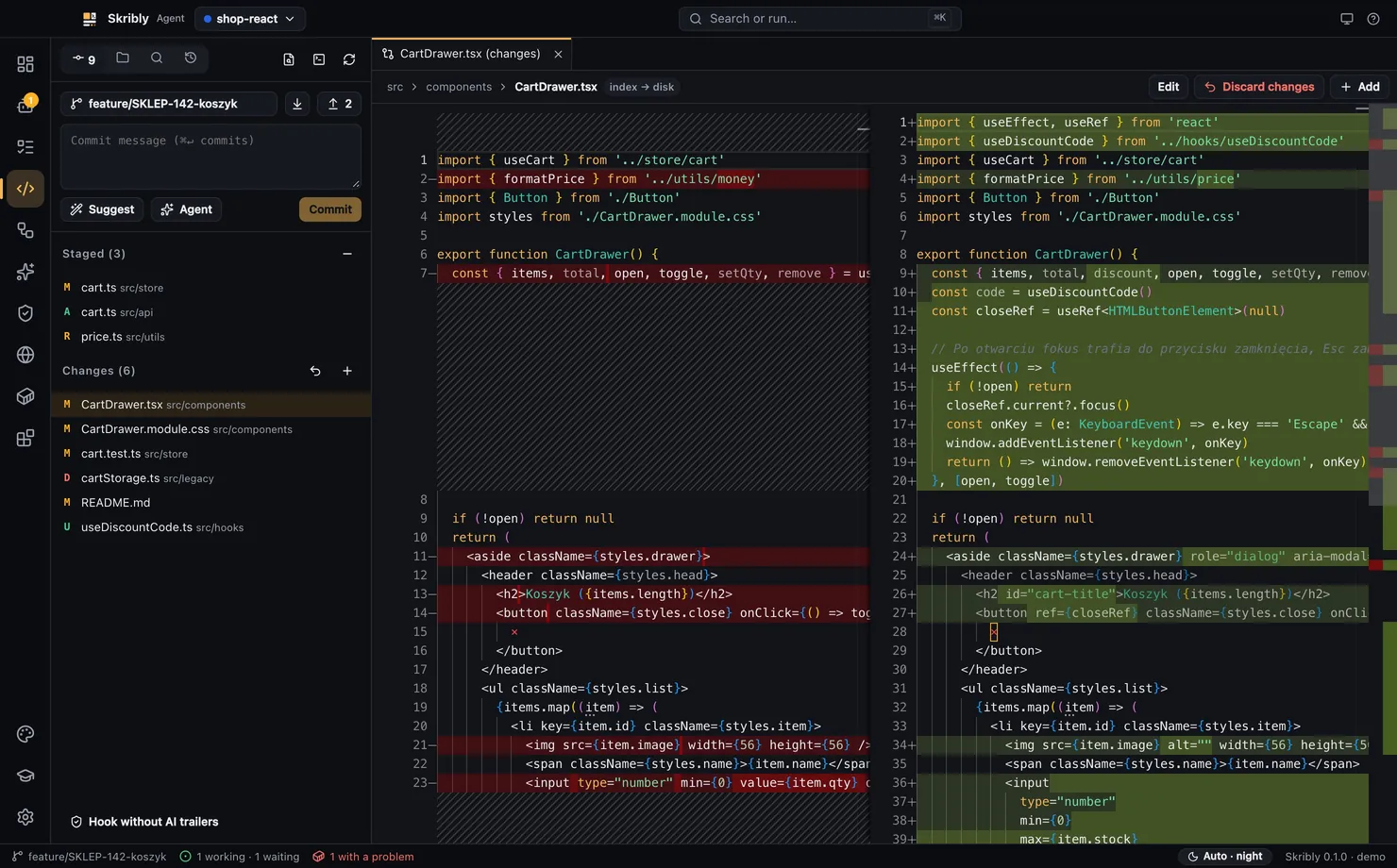
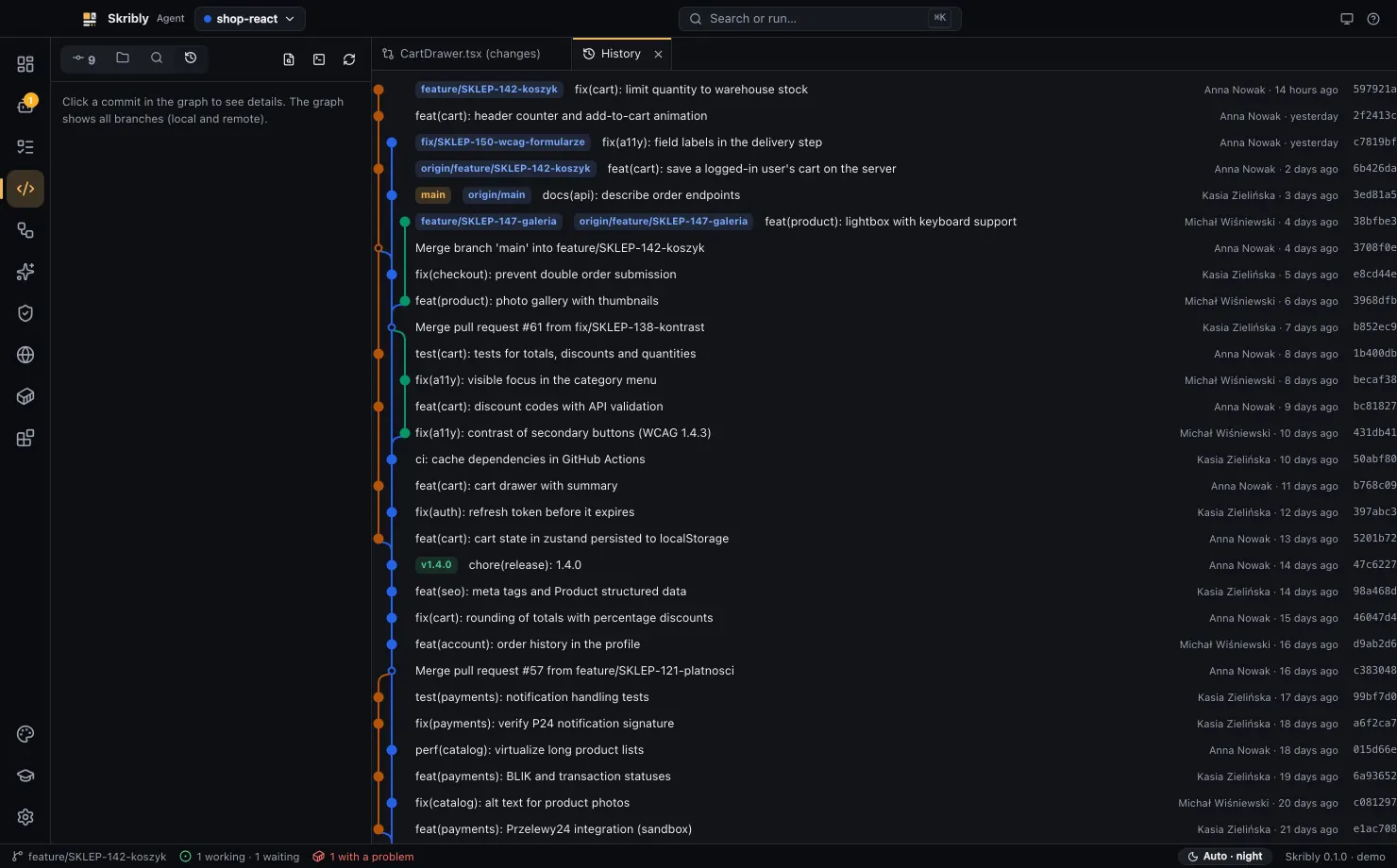
- Monaco with tabs, search in files, side-by-side diffs and a history graph of all branches.
- Commits in your style
- Suggestions from your repository's history, without a model and without AI trailers.
- Browser and Docker
- Preview at phone, tablet and laptop sizes, and a view of your containers.
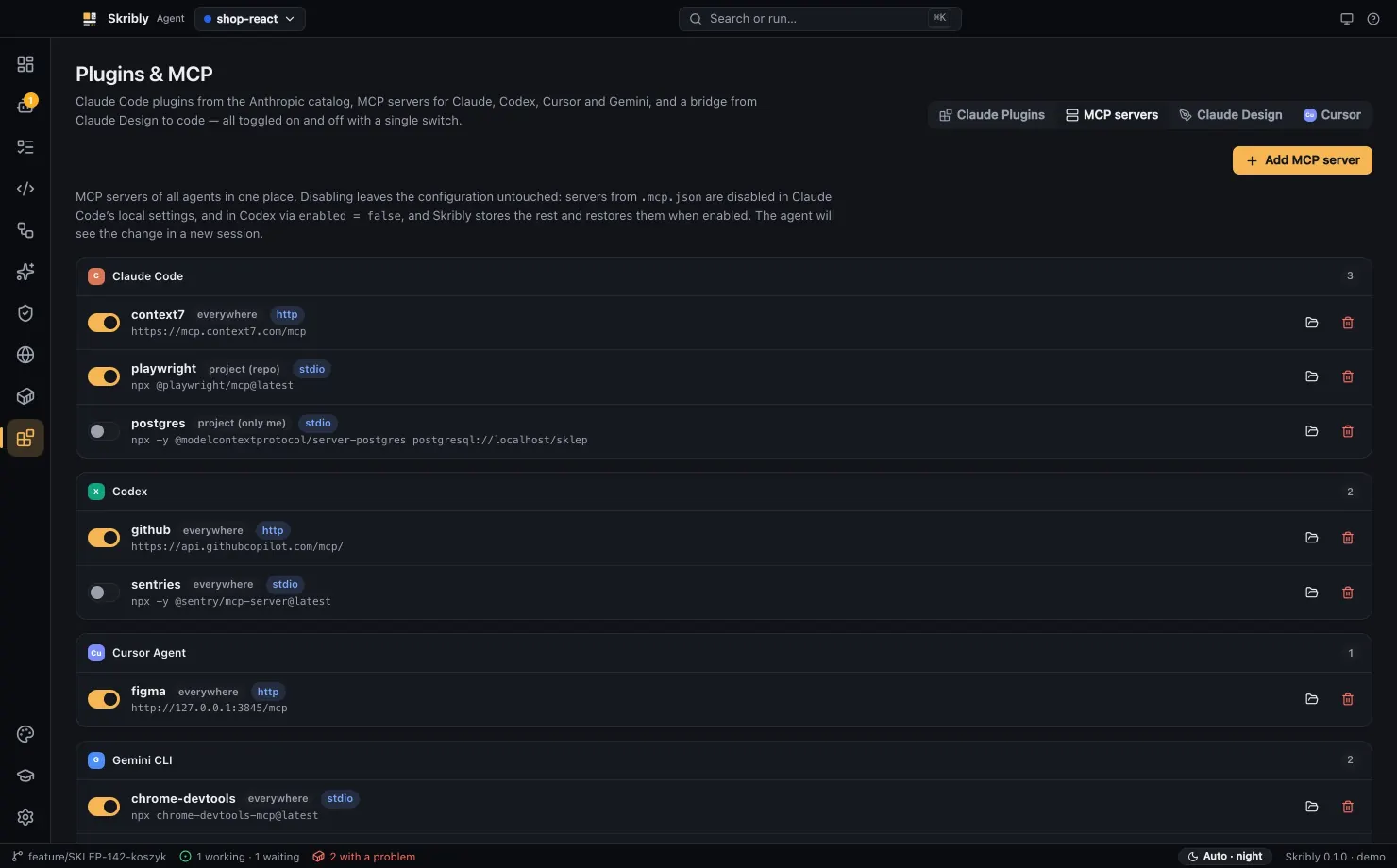
- CLI and MCP
- Agents can start, prompt, wait for and read other agents.
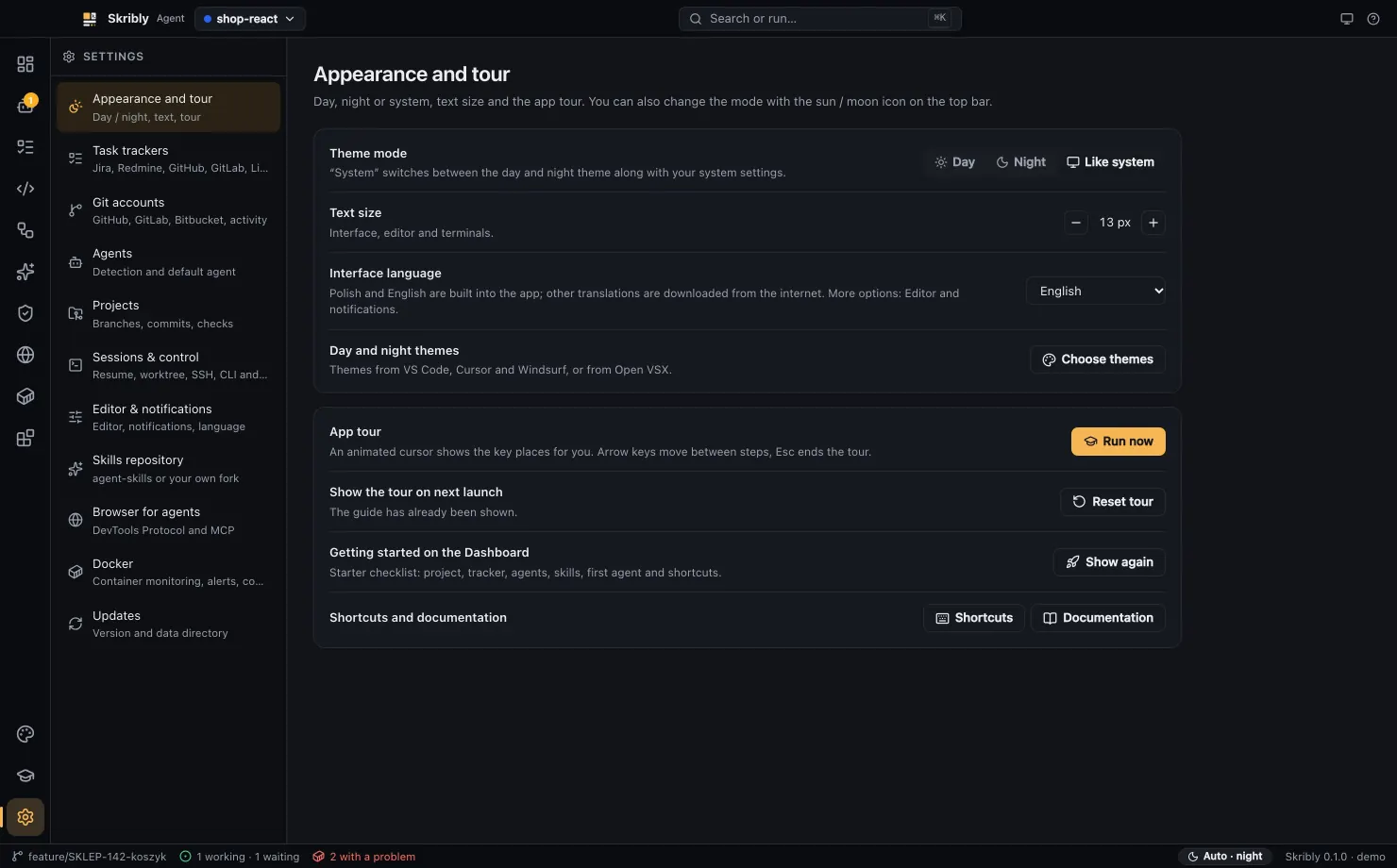
- Accessibility settings
- Text size, high contrast, reduced motion, underlined links and a strong focus indicator.
- Themes and languages
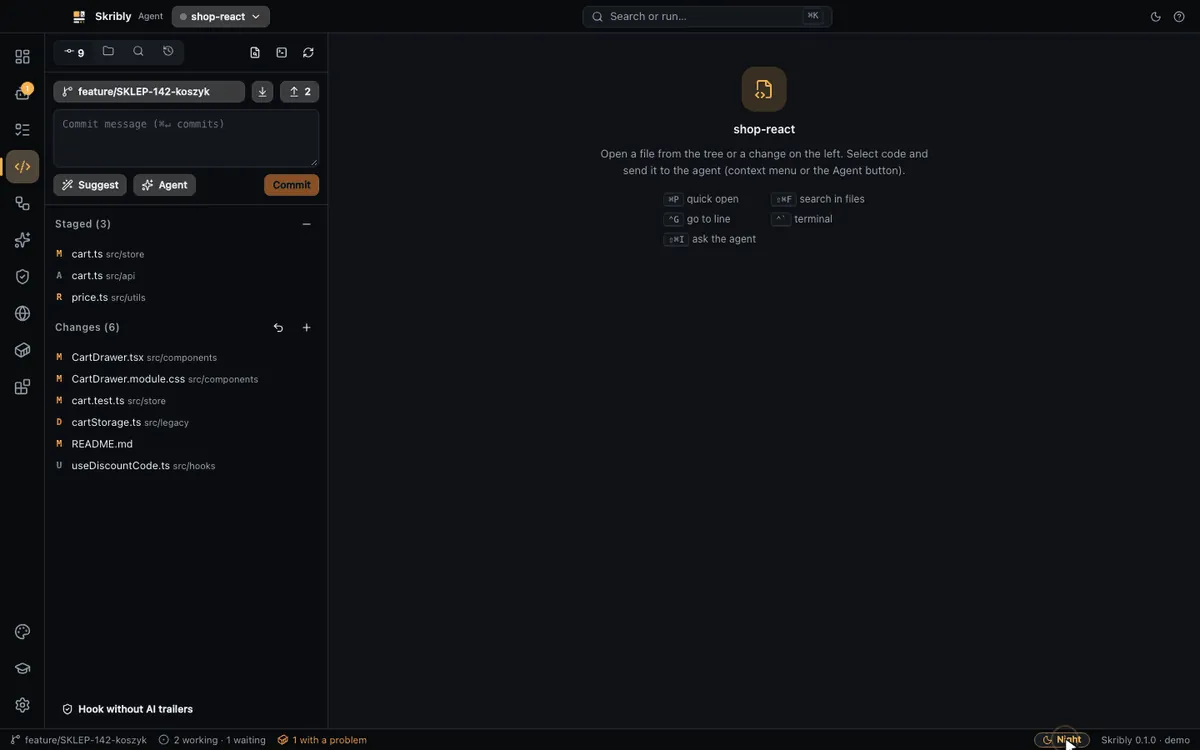
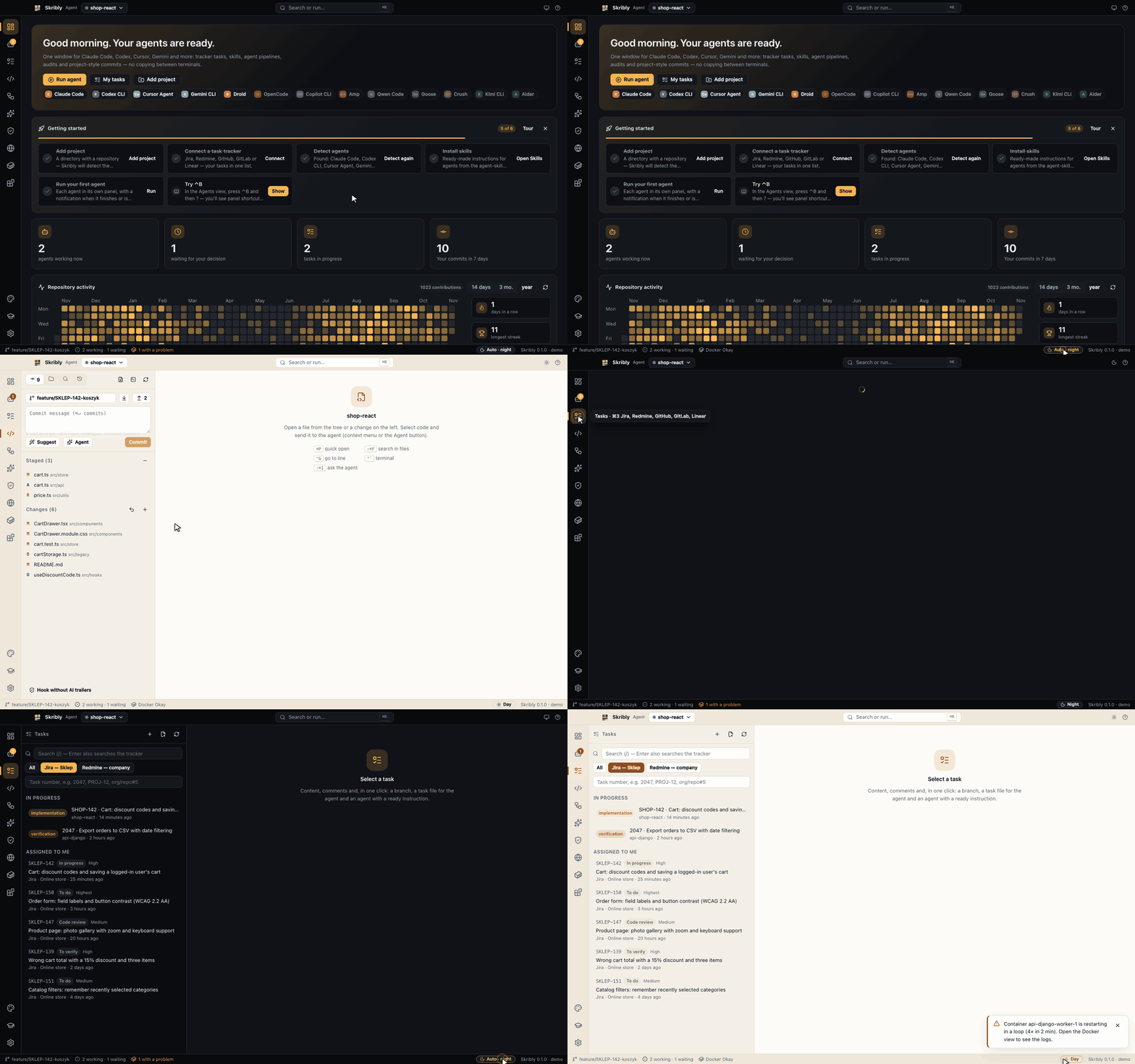
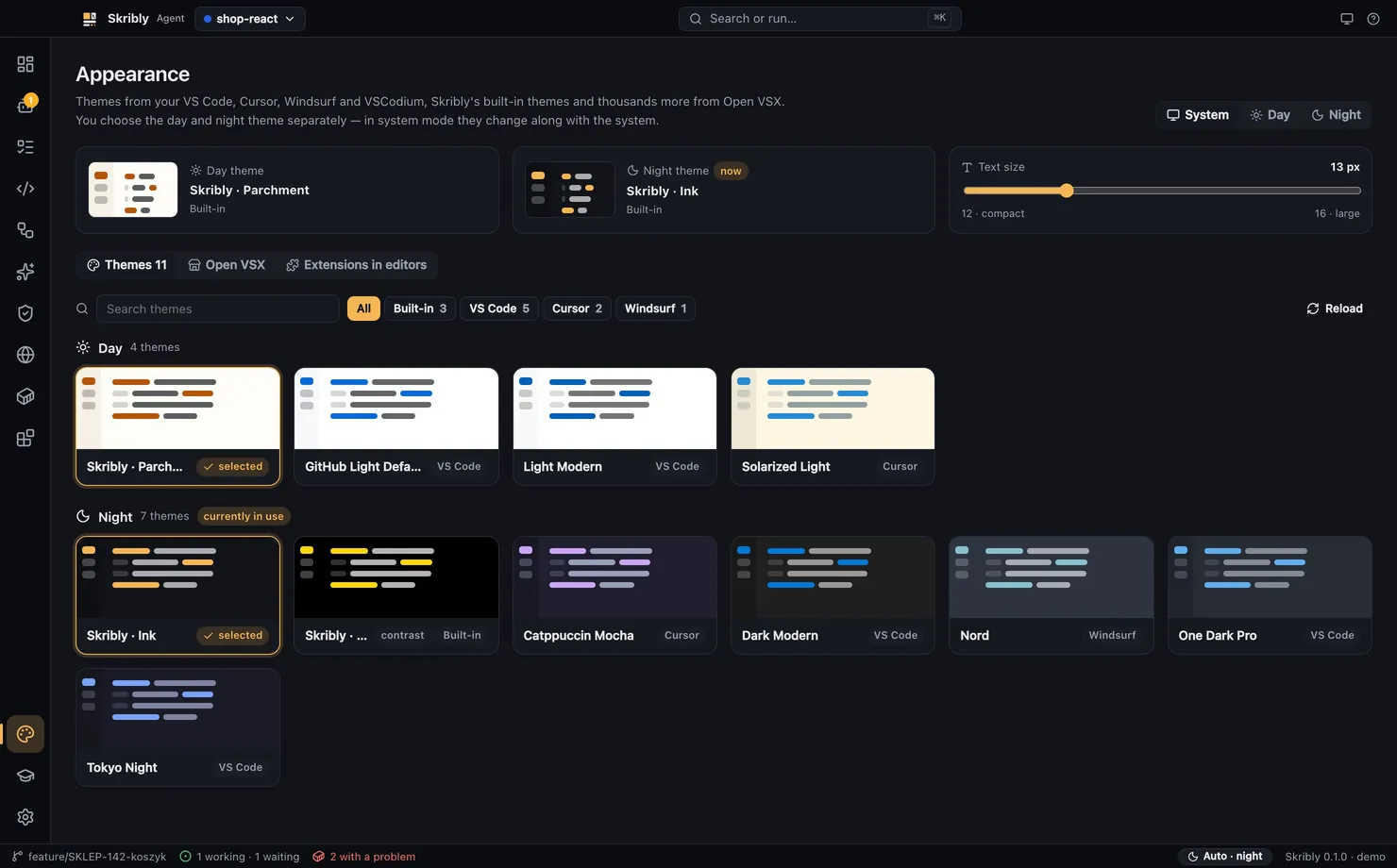
- Day and night modes, editor themes, and an interface in Polish and English.
Workflows
From a ticket to a commit
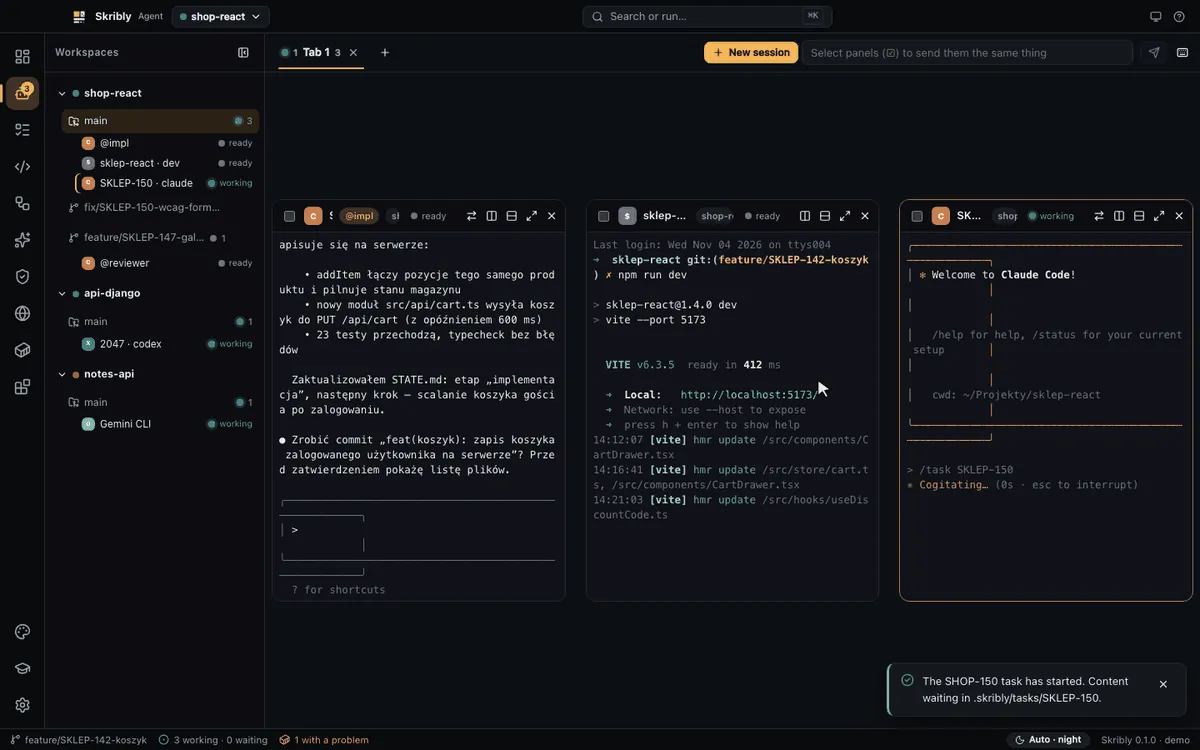
- Open Tasks and choose Start with an agent.
- The agent reads
TASK.md, proposes a plan and waits for your OK. - It works in stages and updates
STATE.mdafter each one. - You read the changes in Code & git.
- Suggest writes the commit message, and you commit.
A reviewer next to the implementer
One agent starts another through the skribly command, waits for it and reads its comments. You can watch the reviewer in its own pane and reply to it.
skribly agent start reviewer --kind claude --prompt "Review the changes from git diff."
skribly agent wait reviewer --until done --timeout 600
skribly agent read reviewer --lines 60 --textClaude plans, Codex builds, Claude reviews
Plan, implement and review is one of three built-in pipelines. The reviewer checks git diff and suggests a commit message.
Three audits at once
Security, accessibility and SEO run in parallel with three agents, then a coordinator merges the results into one plan of fixes.
Move a session to another agent
The current agent saves its state to a file, and the new one starts next to it in the same worktree, without replaying the conversation.
From a design to code
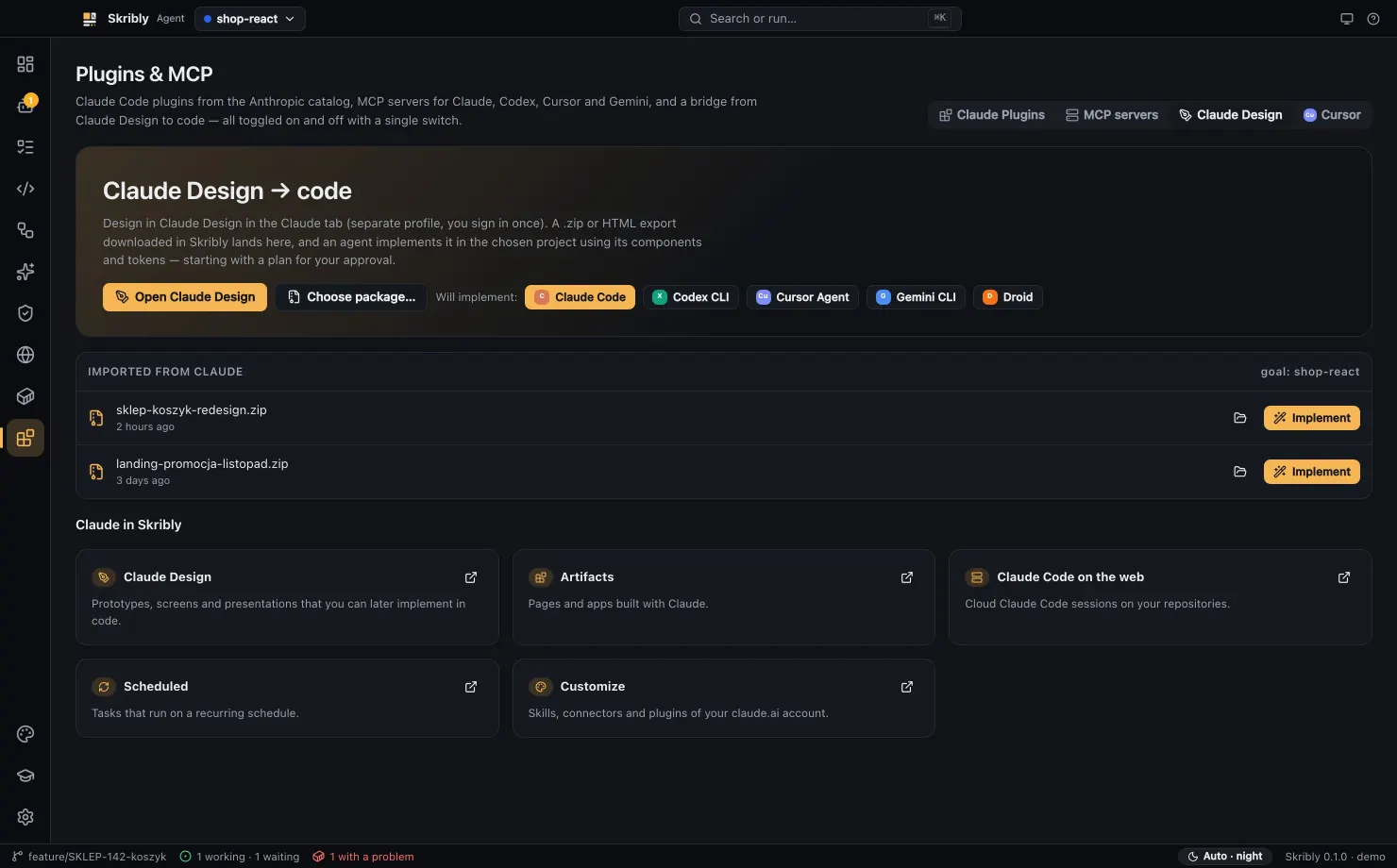
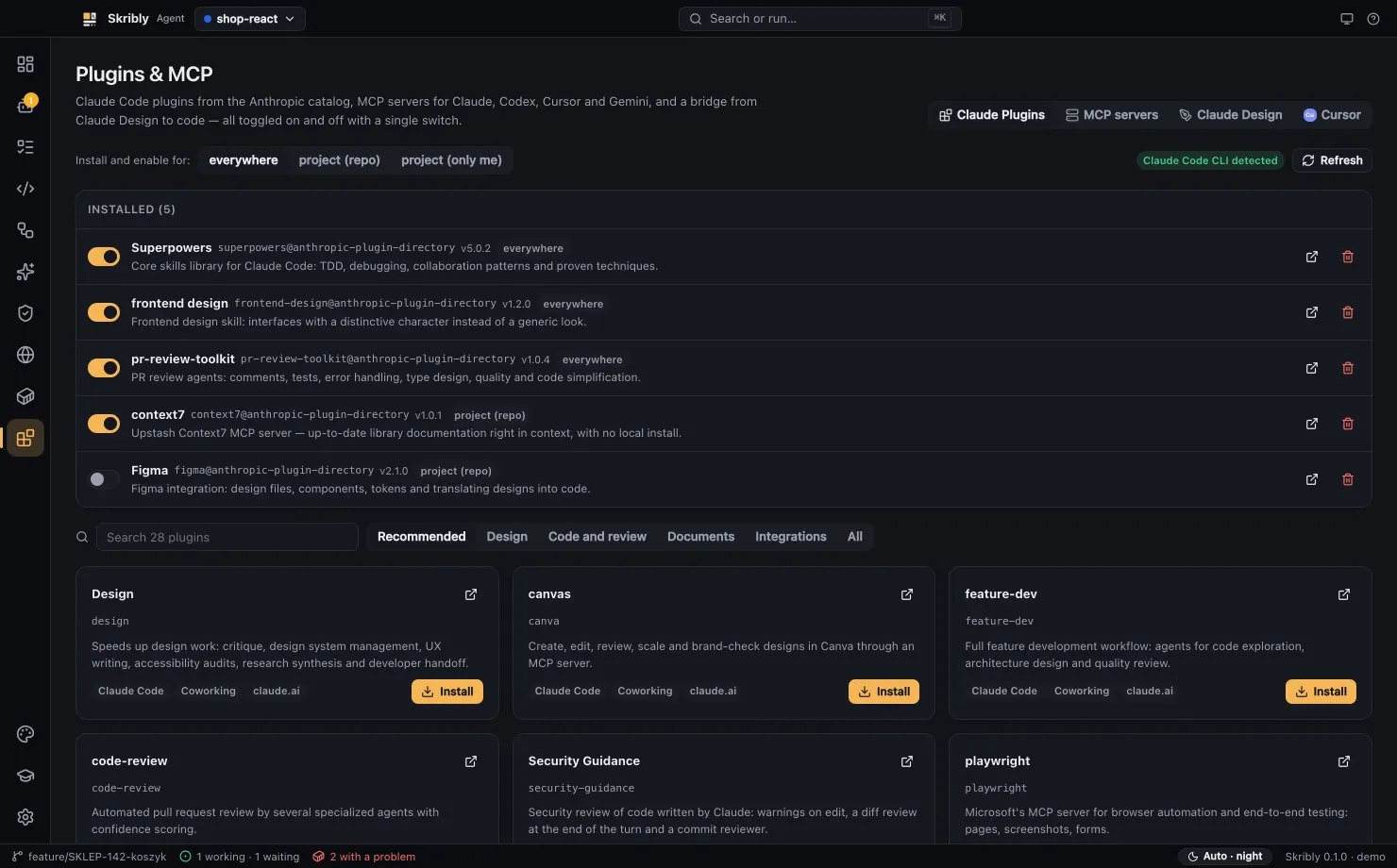
Export a package from Claude Design, choose an agent and choose Implement. It proposes a plan, then builds from your project's components.
Shortcuts
Ctrl+B works as in tmux: press it, release it, then press the key. On Windows and Linux, use Ctrl instead of ⌘.
| Shortcut | Action |
|---|---|
⌘K | Command palette |
⌘1 to ⌘9 | Switch views |
Ctrl+B v or - | Split right or down |
Ctrl+B a | New agent session next to the pane |
Ctrl+B z | Maximize or restore a pane |
Ctrl+B ? | Cheat sheet |
⌘P | Quick open |
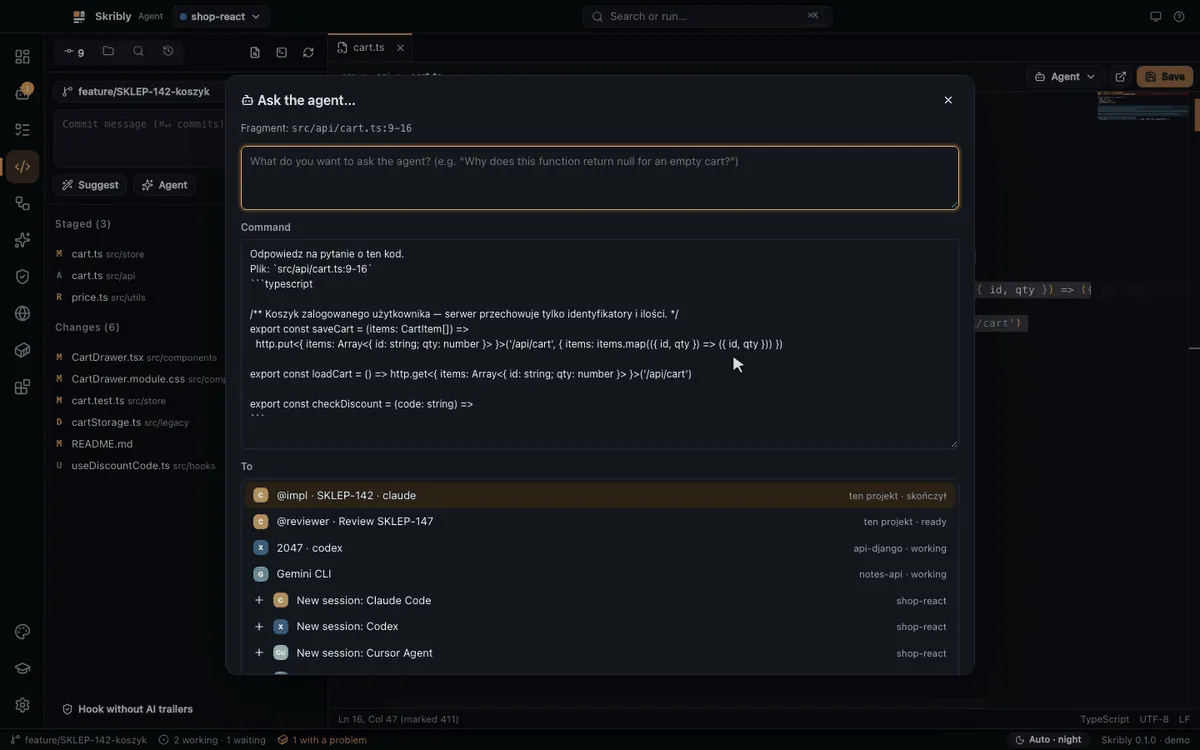
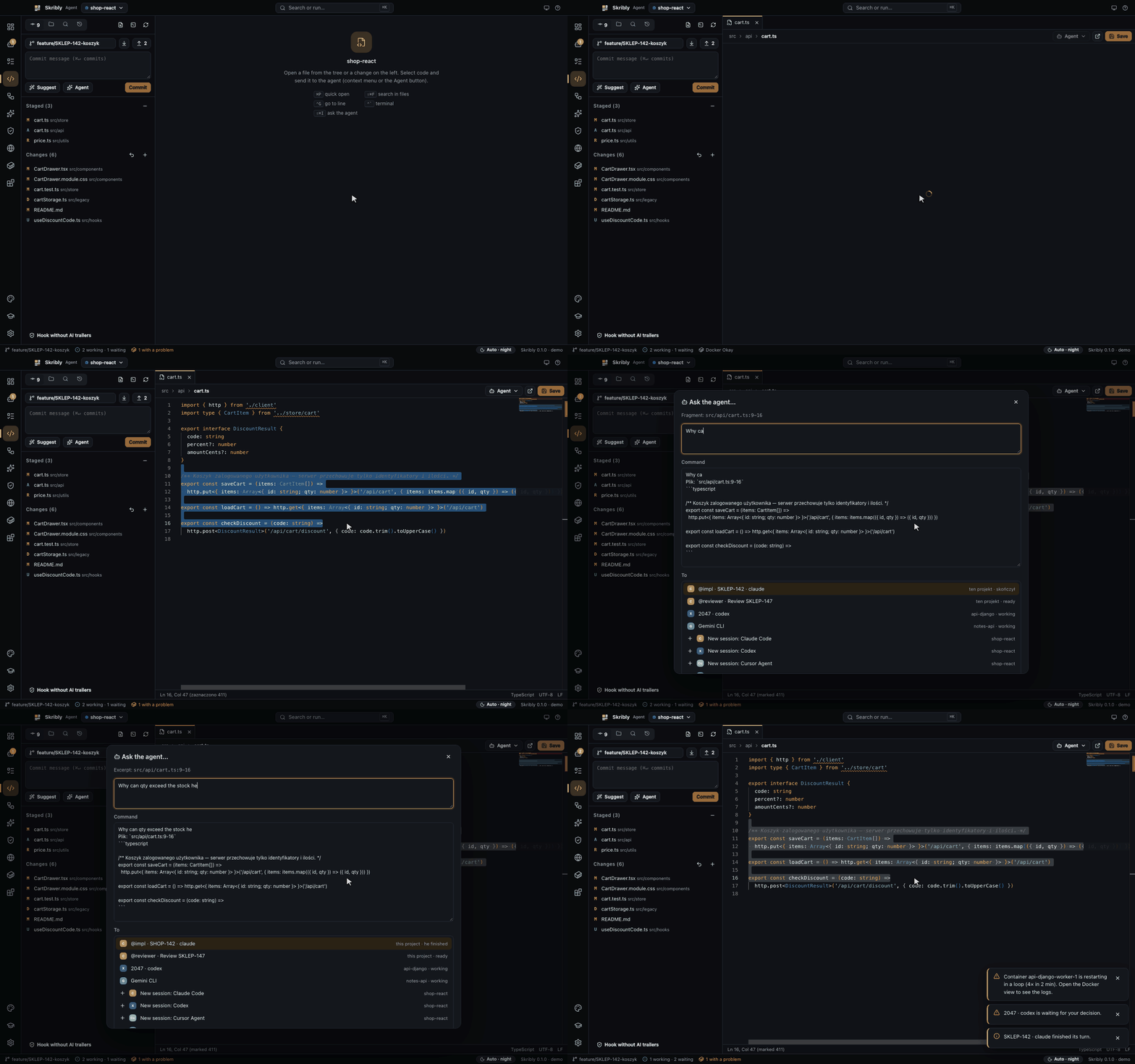
⌘⇧I | Ask an agent about selected code |
Security
- No account, no telemetry and no server of ours. Agents use their own logins and API keys.
- Tracker tokens are encrypted with the system password store.
- The control API listens only on
127.0.0.1and needs a token that changes on every startup. - Browser sharing is off by default. When it is on, any program on the computer can reach it, so use it only while you work with agents.
- Agent terminals run with your permissions.
Details
| Version | 1.0.32 |
|---|---|
| Agents | 13, plus your own commands |
| Trackers | Skribly Tracker, Jira, Redmine, GitHub, GitLab, Linear |
| Systems | macOS 12 or newer, Windows 10 and 11, Linux x64 |
| Built with | Electron, React, TypeScript, Vite |
| You need | Git and at least one agent command-line tool |
| Availability | Private repository for now |
Screenshots
Recordings